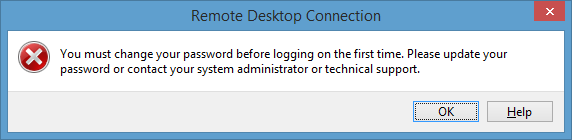
You can do one work around by making changes in RDP security layer. Connect server using console.
- Write “regedit” in a command line shell to open the Registry Editor.
- Navigate to the following registry keys to modify the Remote Desktop security settings:
\HKLM\SYSTEM\CurrentControlSet\Control\Terminal Server\WinStations\RDP-Tcp\SecurityLayer
Set the 1 to 0 in SecurityLayer properties.
Try login to server again.