Connect to the Lightsail instance via SSH
Once logged in, launch the following command:
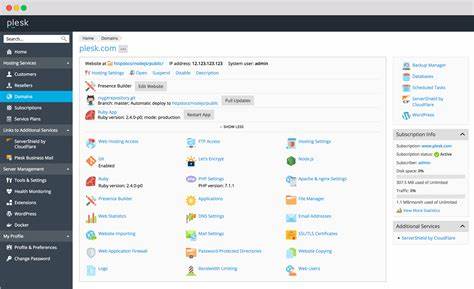
- sudo plesk login Copy URL produced by the command and open it in your browser.
- On Plesk initial configuration screen, type name, email and set Plesk admin password Note: After that, use URL like https://<YOUR_SERVERS_IP>:8443 to access Plesk.
Additional information
- Plesk Web Installer configures Lightsail instance’s firewall as required by Plesk. No additional configuration is required.