How to change computer name command line

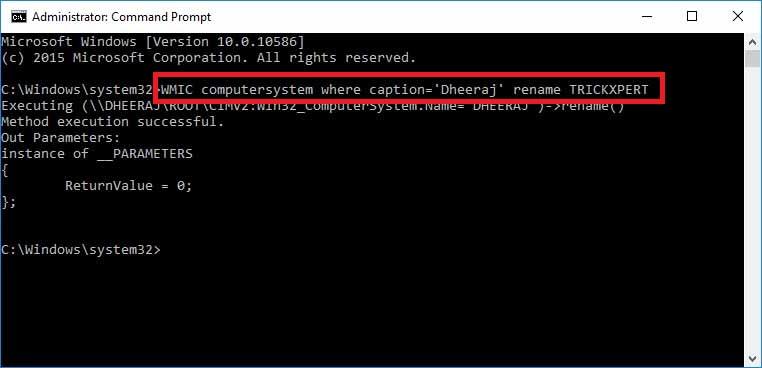
Open Command line as “Run as administrator” cmd (command): netdom renamecomputer %COMPUTERNAME% /Newname "NEW-NAME" powershell (windows 2008/2012): netdom renamecomputer "$env:COMPUTERNAME" /Newname "NEW-NAME" after…

All Articles

Open Command line as “Run as administrator”

cmd (command):

netdom renamecomputer %COMPUTERNAME% /Newname "NEW-NAME"

powershell (windows 2008/2012):

netdom renamecomputer "$env:COMPUTERNAME" /Newname "NEW-NAME"

after that, you need to reboot your computer.
Published by

anup

Technical content from the 24x7ServerSupport infrastructure, server management and cloud operations team.