How to change Time Zones in Outlook

To change the timezones in outlook please follow the steps below. To change the time zone, perform the following: Click the File tab. Click Options . Click Calendar . Under Time Zones , type a name for the current time…

All Articles

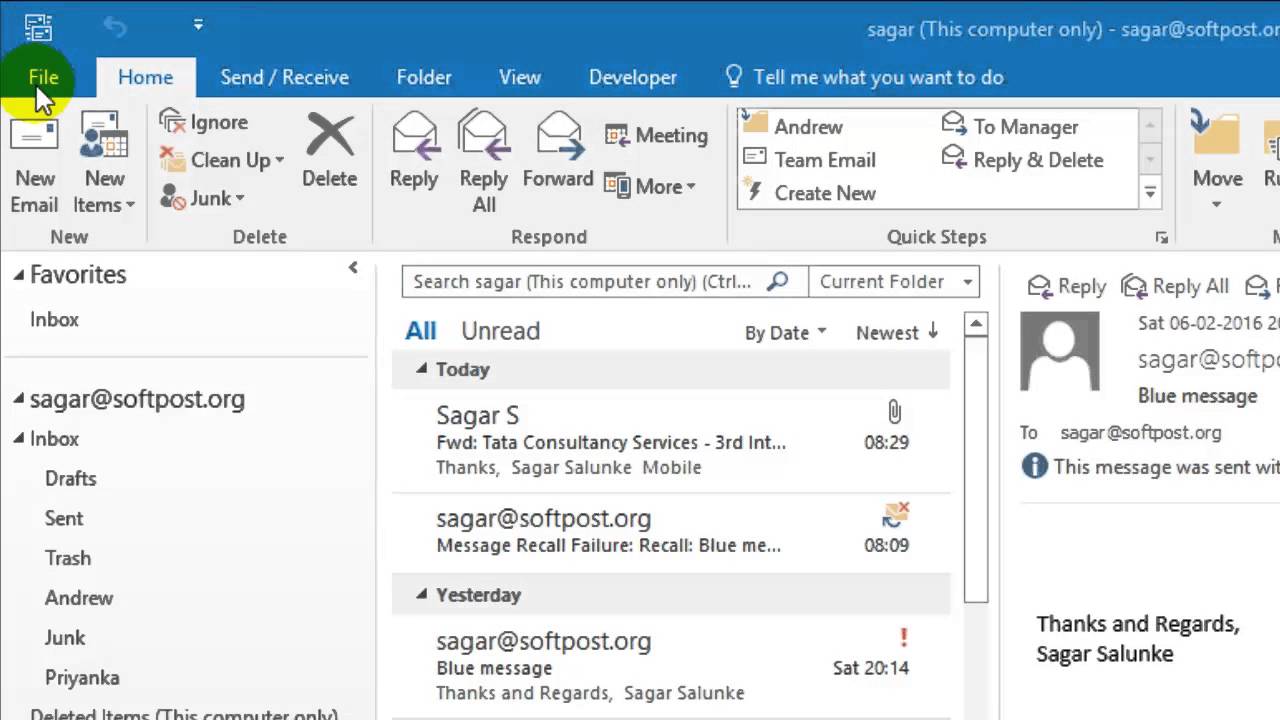
To change the timezones in outlook please follow the steps below.

To change the time zone, perform the following:

  1. Click the File tab.
  2. Click Options.
  3. Click Calendar.
  4. Under Time Zones, type a name for the current time zone in the Label box.
  5. In the Time zone list, click the time zone that you want to use.

Published by

anup

Technical content from the 24x7ServerSupport infrastructure, server management and cloud operations team.