Steps for Plesk for Windows:
- Login to the server via RDP.
- To get the list of domains: run following command from command line
plesk db -Ne "select name from domains" > C:\domains.txt
Go to Plesk bin directory using following command
cd "%plesk_cli%"
To change the webmail all domains to use Horde:
for /f "tokens=*" %d in ('type C:\\domains.txt') do subscription_settings.exe -u %d -webmail horde
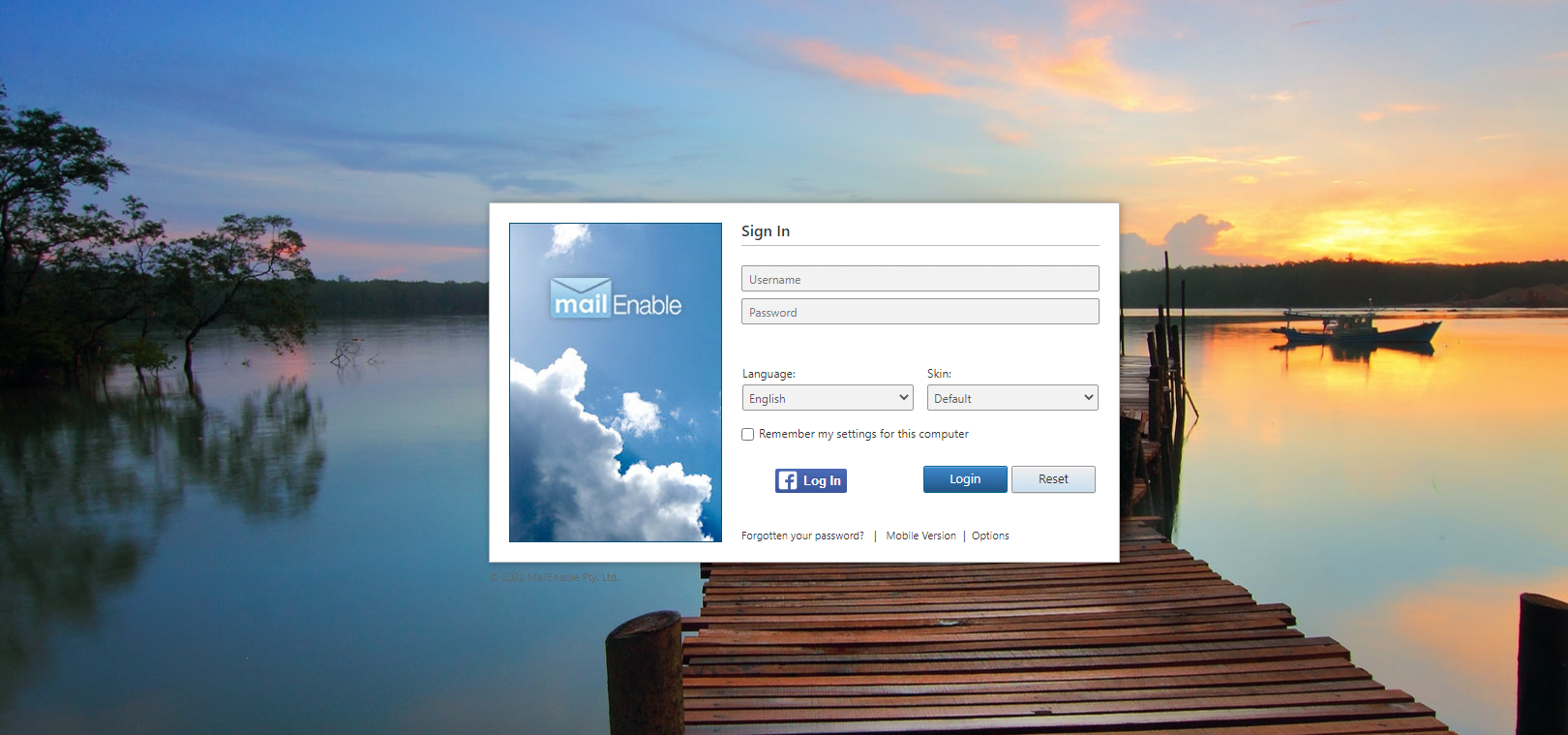
Note: use mewebmail to switch all webmails to MailEnable webmail.