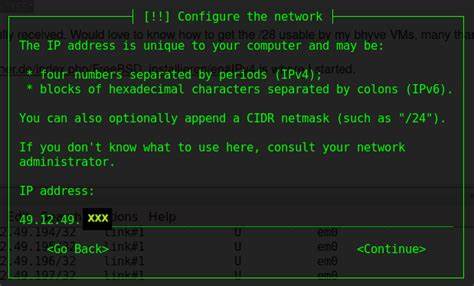
To display the current configuration for the network interfaces on your FreeBSD server, type the following command:# ifconfig
How Do I Configure the Network Card Under FreeBSD?
You need to use the ifconfig command as follows to assign an IP address:# ifconfig interfaceName inet IPAddress
To assign an ip to lnc0 interface, enter:# ifconfig lnc0 inet 202.54.1.22
Please note that lnc0 is an ethernet interface name. It can be Obtained by tying the following command:# ifconfig -a
FreeBSD Network Card’s Configuration
To setup up ip address permanently open a file called /etc/rc.conf and append/modify network entries as follows:# vi /etc/rc.conf
Setup values as follows:hostname="test.24x7ssfix.net"
ifconfig_lnc0="inet 192.168.0.6 netmask 255.255.255.0"
### Default gateway ###
defaultrouter="192.168.0.254"
Save and close the file. Please note that ifconfig_lnc0 is Ethernet interface name. It can be Obtained using ifconfig -a command.
You can restart networking service using the following command:# /etc/rc.d/netif restart && /etc/rc.d/routing restart