How to enable SSI support in Plesk for Windows?

How to enable SSI support in Plesk for Windows? Answer Log into Plesk Go to Home > Tools&Settings > Updates & Upgrades > Add/Remove Components > Plesk Hosting Features and install Server Side Includes . Go to Plesk >…

All Articles

How to enable SSI support in Plesk for Windows?

Answer

  1. Log into Plesk
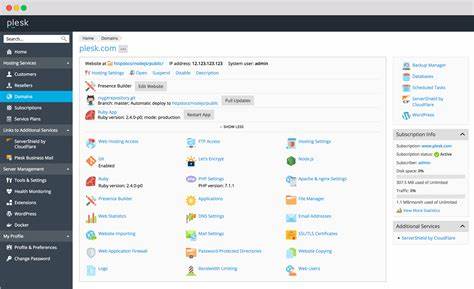
  2. Go to Home > Tools&Settings > Updates & Upgrades > Add/Remove Components > Plesk Hosting Features and install Server Side Includes.
  3. Go to Plesk > Domains > example.com > Hosting Settings and tick SSI support checkbox in Web Scripting and Statistics section.

Published by

anup

Technical content from the 24x7ServerSupport infrastructure, server management and cloud operations team.