How to force Windows to start downloading the Windows updates

Go to “C:\Windows\SoftwareDistribution\Download” and delete all the files there Open up the command prompt by hitting the Windows key and typing in cmd . Don't hit enter. Right click and choose “ Run as administrator.”…

All Articles

Go to “C:\Windows\SoftwareDistribution\Download” and delete all the files there

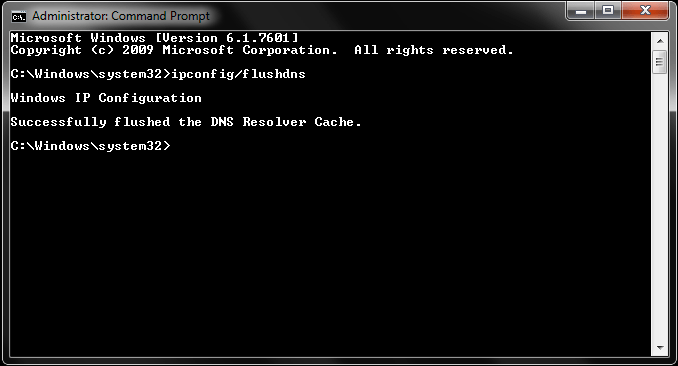
Open up the command prompt by hitting the Windows key and typing in cmd.

Don't hit enter. Right click and choose “Run as administrator.”

Type “wuauclt.exe /updatenow” — this is the command to force Windows Update to check for updates.
Published by

24x7support

Technical content from the 24x7ServerSupport infrastructure, server management and cloud operations team.