On CentOS 7, FirewallD a default firewall management tool is enabled.
In order to install iptables, we need FirewallD from server:
# systemctl stop firewalld
# systemctl disable firewalld
# systemctl mask --now firewalld
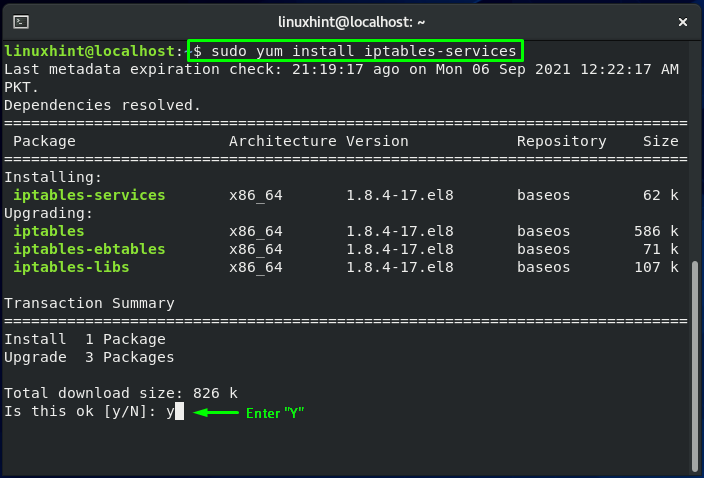
Once the FirewallD ins disabled, you can proceed to install iptables:
# yum install iptables-services
# systemctl start iptables
# systemctl start iptables6
Enable the iptables to start on boot:
# systemctl enable iptables
# systemctl enable iptables6
To check current iptables rules:
# iptables -nvL
By default, only port 22 is opened in iptables. You can now open other ports like 80, 53, 25, 587 etc. for the services you install.