Let’s Encrypt is a certificate authority that launched on April 12, 2016, that provides free X.509 certificates for Transport Layer Security (TLS) encryption via an automated process designed to eliminate the current complex process of manual creation, validation, signing, installation, and renewal of certificates for secure websites.
Please follow the below steps to install Let's Encrypt SSL on the domains hosted on the server.
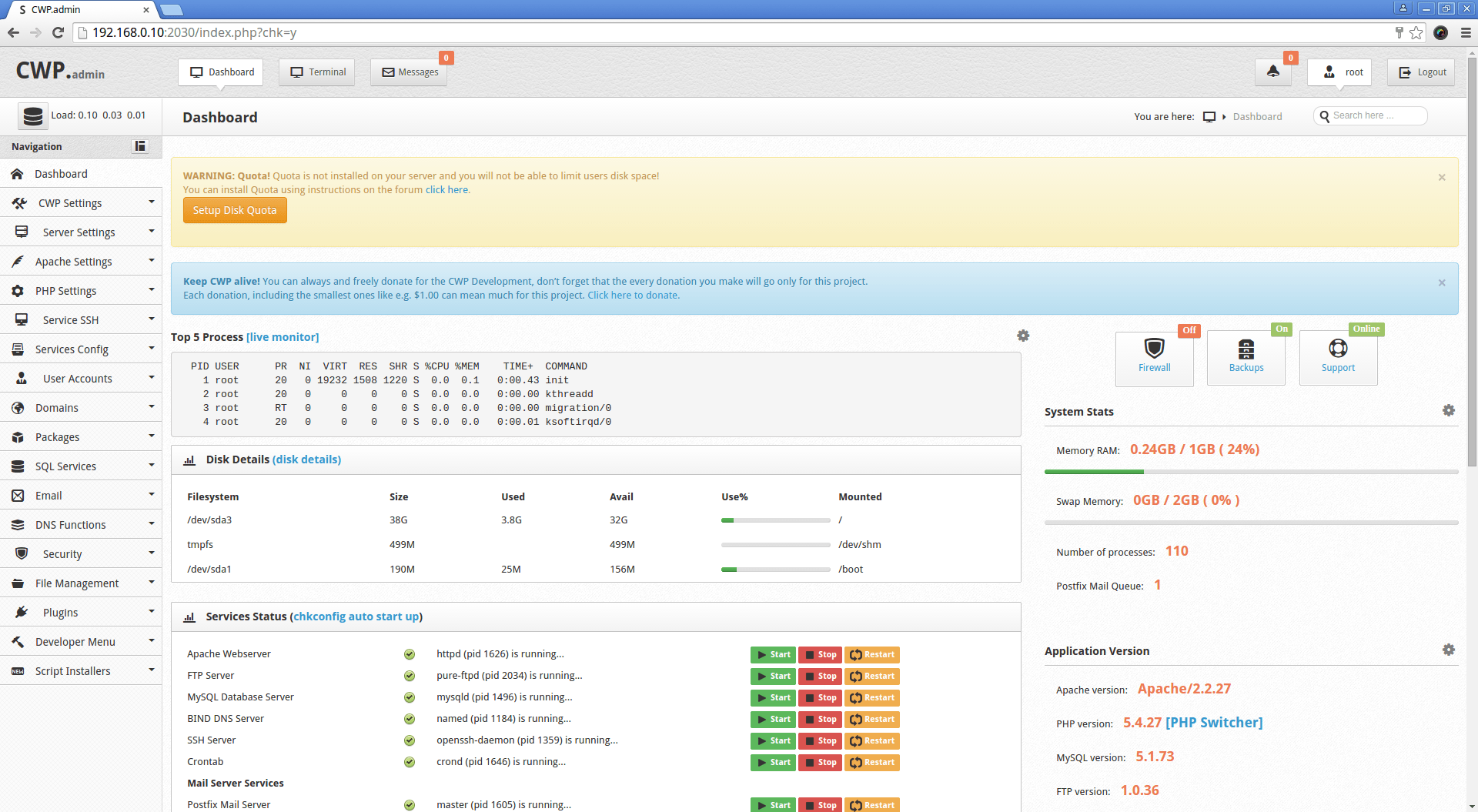
STEP 1: Log in to CWP Panel
STEP 2: Select Apache Settings and then Click let's encrypt manager
STEP 3: Then Click on Install Lets encrypt
STEP 4: Then Select the Account For which let's encrypt is to be installed
STEP 5: Click On Install, and you can see Lets Encrypt is successfully installed
STEP 6: To verify that let's encrypt is installed click on Test
STEP 7: Now check The domain on “sslshopper.com”. Let's Encrypt is successfully installed.