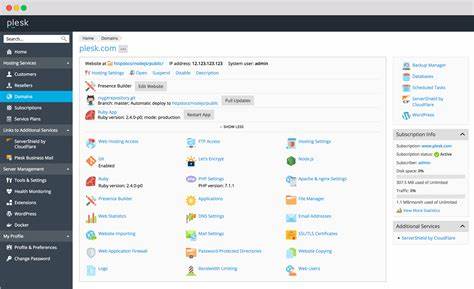
In Plesk 17.8, the "plesk sbin psadb" utility has been included to operate with admin DB password.
To use it, connect to the server via RDP and open cmd.exe as Administrator:
plesk sbin psadb --help
Usage: psadb [OPTIONS]...
-g, --get-admin-password show the Plesk system databases Admin's password in console.
-c, --copy-admin-password copy the Plesk system databases Admin's password to clipboard.
-s, --set-admin-password --password=<new password> set the new Plesk system databases Admin's password in the database
and update it in Plesk.
-u, --update-admin-password --password=<new password> update the Plesk system databases Admin's password in Plesk only.
-h, --help display this help and exit
To reach administrator's password for Plesk database execute the following: plesk sbin psadb --get-admin-password