- Plesk 12.0 for Windows
- Plesk 11.5 for Windows
- Plesk 10.4 for Windows
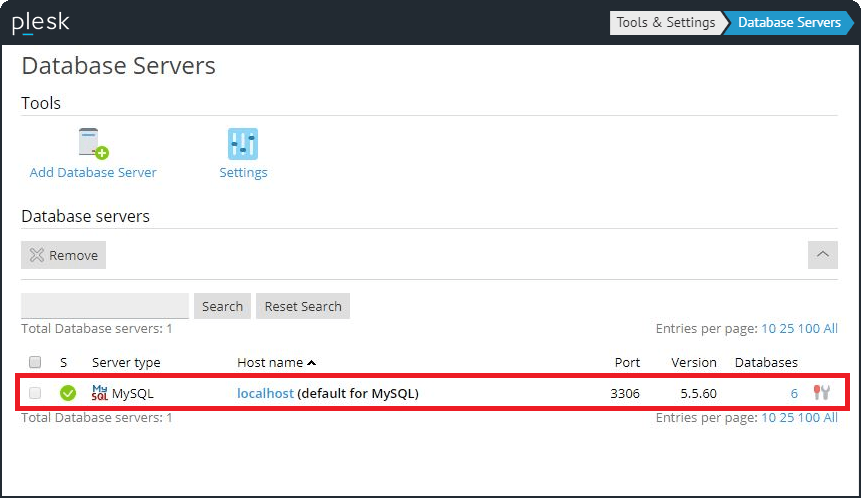
Please note this instruction for client database server only. You cannot upgrade mysql server with Plesk database.
You can use Mysql upgrade manual from vendor: http://dev.mysql.com/doc/refman/5.5/en/upgrading.html Please do not forget to backup data before upgrade. In general instruction is the following:- Create dump of database:
C:\Program Files\Parallels\Plesk\Databases\MySQL51\bin>mysqldump -uadmin -p**** -P3306 --all-databases >all.dump
- Download zip archive
- Create copy of the following folders, here client databases are saved:
C:\Program Files\Parallels\Plesk\Databases\MySQL C:\Program Files\Parallels\Plesk\Databases\MySQL51
- stop mysql service:
NET STOP MySQL
- extract downloaded archive to C:\Program Files\Parallels\Plesk\Databases\MySQL51 overwriting the existing installation.
- start Mysql server
NET START MySQL
- upgrade mysql:
C:\Program Files\Parallels\Plesk\Databases\MySQL51\bin>mysql_upgrade -uadmin -p**** -P3306