Not able to connect FTP due to 530 Login or password incorrect! error.
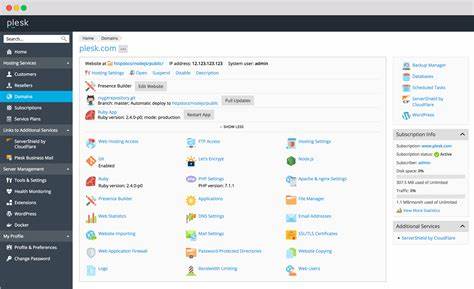
Step:1 Login to plesk >> subscription >> website and domains >> FTP access >> Click on the ftp user >> reset password and try again to connect ftp.\
Step:2 RDP to server >> IIS >> sites >> domain >> right click on domain>> edit permission>> search for the ftp user in list >> select the list folder contents, read, write permission.
Then make sure the 3 plesk users psaadm, psacln, passerv users are present in list. If not add them.
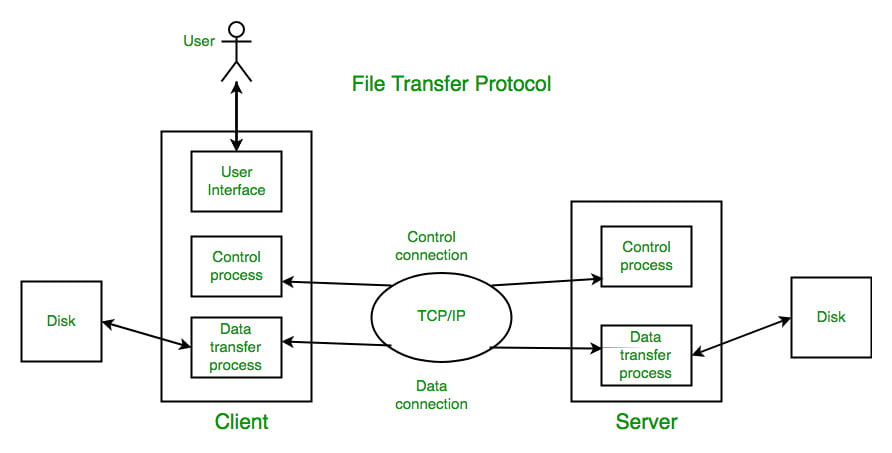
Check FTP using passive mode in ftp client, it should work now.