Connection via FTPS fails with one of the following errors (depends on FTP client):
Insecure server, it does not support FTP over TLS.
OR
534 Policy denies SSL
OR
Local policy on server does not allow TLS secure connections
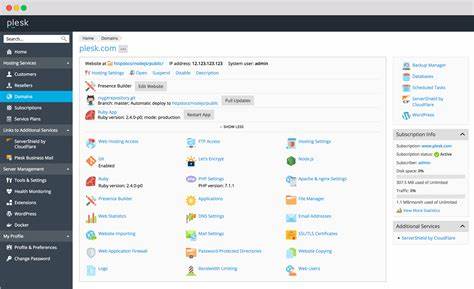
Log in to Plesk.
Go to Tools & Settings > Security Policy.

Set the Allow both secure FTPS and non-secure FTP connections option and press the Apply button.

Set the Allow only secure FTPS connections option back and press the OK button.