‘CTRL + ALT + T‘: Shortcuts to launch your terminal in Ubuntu.
‘Super Key + L‘ or ‘CTRL + ALT + L‘: Shortcuts to lock screen in Ubuntu.
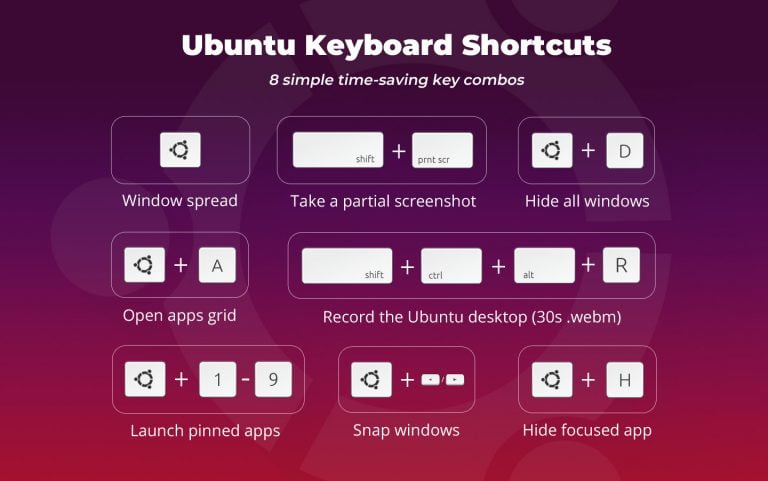
'Super Key + D' or ‘CTRL + ALT + D‘: Shortcuts to minimize the active windows and leaving you only with the desktop.
‘Super + Tab‘ or ‘Alt + Tab‘: Shortcuts to switch between running applications.
‘Super Key + M‘ or ‘Super Key + V‘ to toggle through the various notifications.
‘Super Key + Arrow right‘: snap your application window to the left or right.
‘CTRL + ALT + Arrow UP‘ or ‘CTRL + ALT + Arrow Down‘: Shortcuts to shuffle between workspaces.
‘Alt F2‘: Shortcuts to run a command without necessarily accessing the terminal.
Ctrl+Q: Close an application window.
Super+Space: Change input keyboard (for multilingual setup)
Note: You can also create your own custom shortcuts. To do this, simply click on ‘Settings > Devices > Keyboard‘.